
In today’s digital world, satellite TV channels have become a primary source of entertainment and information in every Arab household. Whether you’re watching Nilesat, Arabsat, or any other satellite, weak signal is one of the most frustrating problems.
You may get a blurry picture, sudden interruptions, or the dreaded “No Signal” message. But what are the real causes behind this weakness? And how can you solve it easily and effectively without calling a technician every time?
In this distinctive article, we will explore the common causes of weak satellite dish signals in a clear, scientific manner, then provide practical solutions with step-by-step instructions. Let’s begin!
1. Common Causes of Weak Signal
A. Dish Misalignment
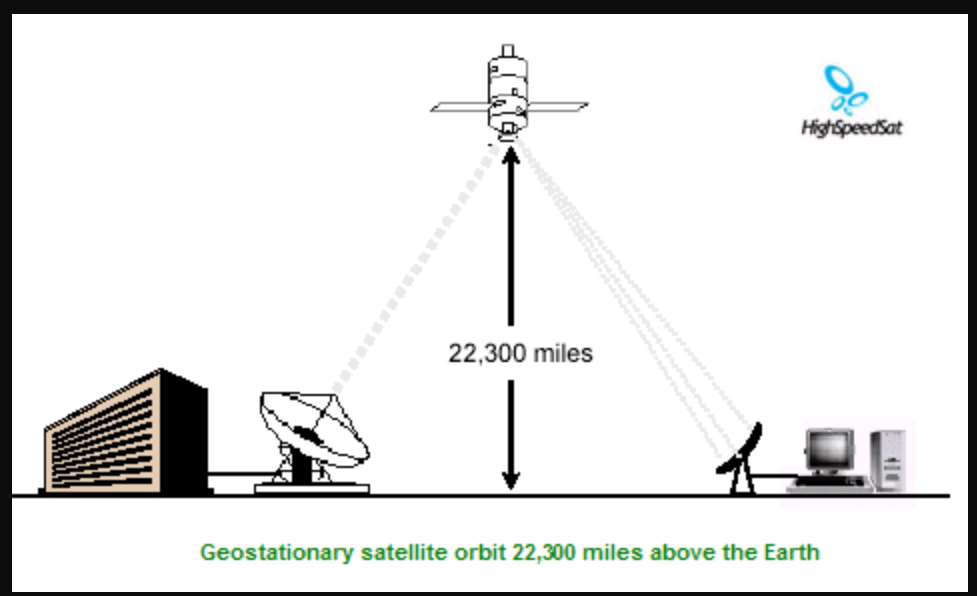
This is the most common cause, accounting for over 60% of cases. The dish must be precisely pointed toward the satellite (e.g., 7° West for Nilesat). Even a slight deviation of a few degrees can significantly reduce the signal.
How to identify it? Signal Strength below 70%, while Signal Quality is very low.
B. Obstructions and Blockages
Growing trees, new buildings, power lines, or any object blocking the direct line of sight to the satellite. Satellite signals travel in straight lines and cannot bend around obstacles.
C. LNB Problems (Low Noise Block Downconverter)
The LNB is the “eye” of the dish that captures the signal. If it is damaged, worn out due to sun and rain, or covered in dirt, the signal will weaken noticeably.
D. Cables and Connections
Damaged coaxial cables, moisture inside them, or loose connectors. Every extra meter of cable can reduce signal strength by 1-2%.
E. Weather Conditions (Rain Fade)
Heavy rain, snow, or sandstorms (common in Egypt and the Gulf) absorb the signal. This is normal and not a device fault.
F. Other Technical Issues
- Faulty receiver (decoder).
- Weak satellite broadcast signal.
- Interference from neighboring dishes.
2. Practical and Effective Solutions (Step by Step)
Solution 1: Realign the Dish Accurately (Most Effective)
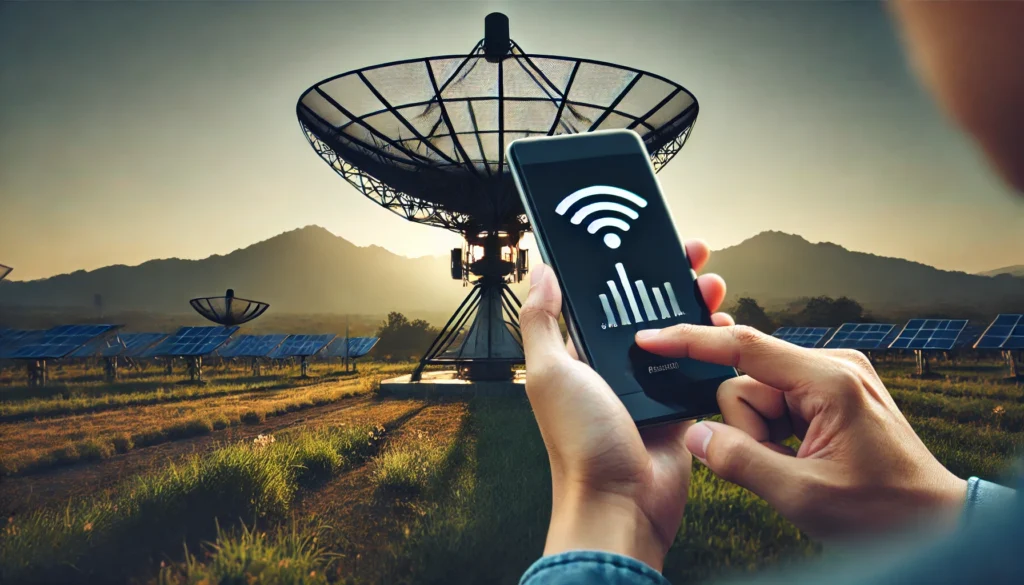
- Buy a cheap Satellite Signal Finder (costs 100-300 EGP / $2-6).
- Enter the satellite settings in your receiver (e.g., Nilesat 7° West – Frequency 12303 – Symbol Rate 27500).
- Slowly move the dish horizontally and vertically until the signal reaches 90%+.
- Tighten all bolts firmly.
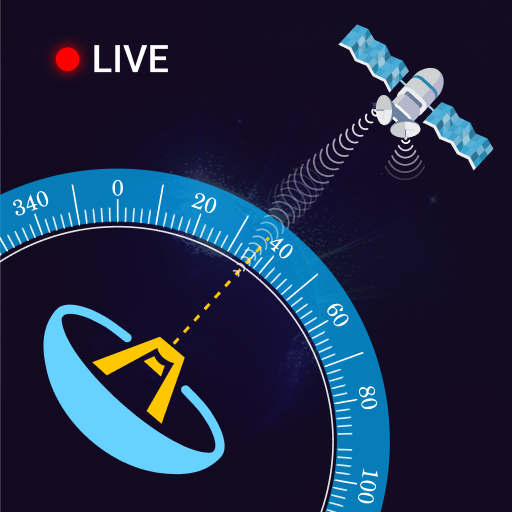
Golden Tip: Use the “Dish Pointer” app on your phone to get the exact angles based on your location (e.g., in Giza: Azimuth ≈ 207°, Elevation ≈ 38°).
Solution 2: Clean and Maintain the LNB
- Disconnect power completely.
- Clean the LNB with a dry cloth (never use water).
- Ensure the plastic cover is intact.
- If it is more than 3 years old, replace it with a high-quality LNB (such as Inverto or Strong).
Solution 3: Inspect the Cables
- Check the cable from the dish to the receiver for cuts, damage, or moisture.
- Use high-quality RG6 or RG11 cable.
- Reconnect the F-connectors tightly.
Solution 4: Dealing with Weather Conditions
- For rain: Install a larger dish (90 cm or 120 cm instead of 60 cm). A bigger dish collects a stronger signal.
- Use “Anti-Rain Fade” LNBs if available.
- During sandstorms: Cover the dish with a transparent protective cover.
Advanced Solutions
- Install a Signal Amplifier if the cable run is very long.
- Relocate the dish to a higher position with no obstructions.
- Update or factory reset the receiver.
- If the problem persists, contact your satellite operator (e.g., Nilesat) to check the satellite signal itself.
3. Preventive Tips to Avoid Future Problems
- Inspect your dish at least every 6 months.
- Use rust-resistant mounting hardware.
- Avoid installing the dish near trees or chimneys.
- Buy original, high-quality equipment.
- In Egypt, especially watch for northwest winds that can gradually shift the dish.